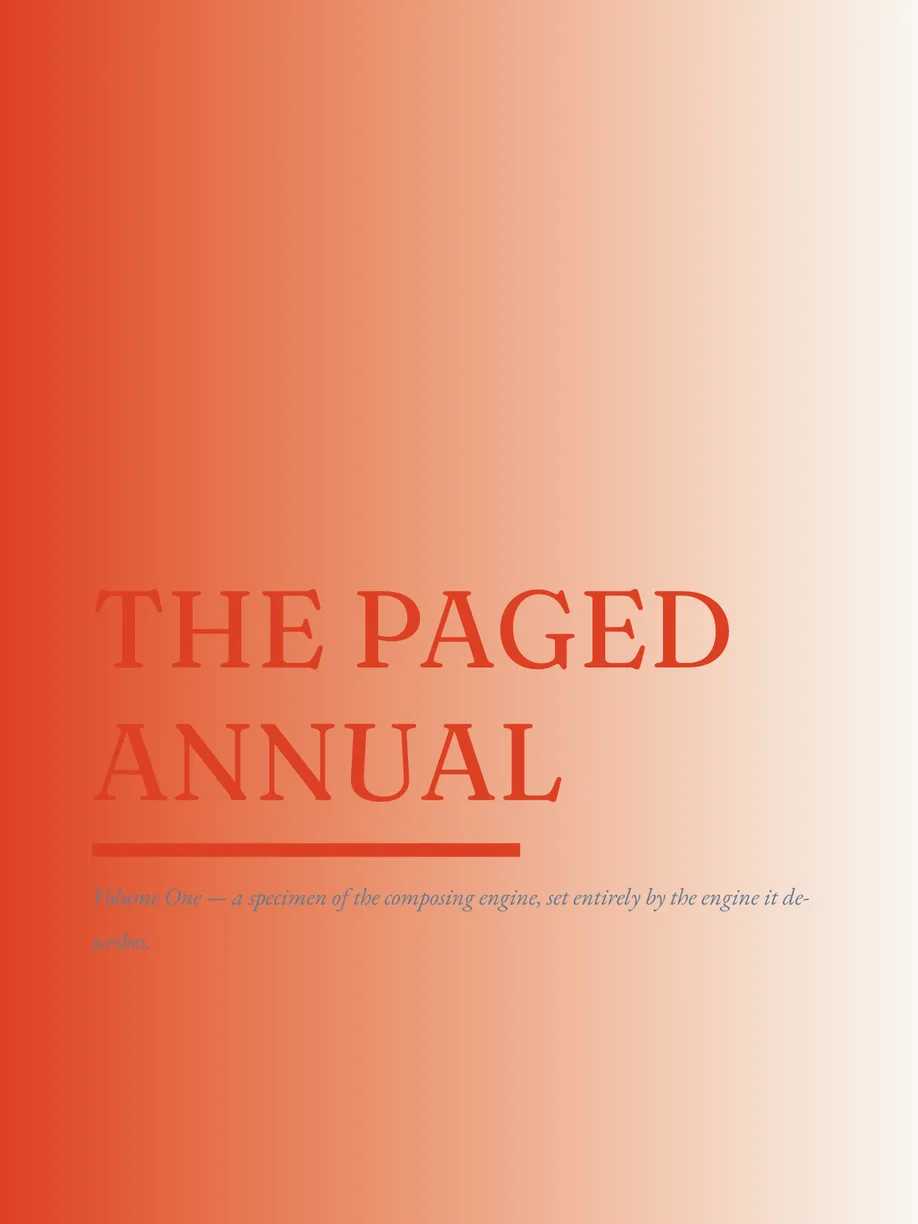
Below is the IDML of The Paged Annual. Press the button and the engine composes it on your graphics card — no server renders it, nothing is converted to images first. Scroll through the pages, zoom with the wheel or a pinch, drag to pan.
paged viewer — IDML on any web page
The page is the viewer
Drop the engine's renderer into a web page and an InDesign document becomes a live, zoomable page — no server, no conversion step, no plugin.
0
1
2
Live, in this tab
134 pages of InDesign, rendered where you are reading
What it does
A document viewer, not a picture of one
The viewer is the engine's renderer and nothing else — no mutation, canvas model or scripting is linked into it — wrapped in a small TypeScript layer that gives a page what a reader expects of a document.
- Camera
- Zoom, zoom in and out, and zoom about an anchor: the point under the cursor stays put.
- Fit
- Fit the page or fit the width, within the zoom limits you set.
- Layouts
- Single page or continuous scroll, switchable at any time.
- Pages
- Page count, the current page and go-to-page.
- Thumbnails
- Render any page as a thumbnail at the width you ask for.
- Events
- Loaded, page changed, zoom changed, scroll changed and error — each returns its unsubscribe.
- Input
- Wheel and pinch zoom to the cursor, drag to pan, double-click zoom, and keyboard: + − 0, arrows, Page Up/Down, Home, End. Each lane can be switched off.
- Errors that explain
- A failed load throws a typed error — parse error, unsupported, no GPU — with the engine's diagnostics attached.
- Clean teardown
- dispose() detaches every listener and frees the wasm session.
Embed it
One install, one canvas
The published package carries its own wasm, so the snippet below is the whole integration. Fonts are the host's to supply: register the faces a document uses on the session before loading it, and the viewer sets the text in them.
[ 0 ]servers in the render path
[ 1 ]npm install
npm i @paged-media/idml-viewerimport { createViewer, createSessionFromBundledWasm } from "@paged-media/idml-viewer";
const viewer = await createViewer({
canvas: document.querySelector("canvas")!,
session: createSessionFromBundledWasm, // the wasm ships inside the package
layoutMode: "continuous", // or "single"
});
viewer.on("pageChanged", ({ page }) => console.log("page", page + 1));
await viewer.load("/files/brochure.idml"); // URL, ArrayBuffer, Uint8Array or Blob
viewer.fit("width");Where it runs
A static site, a docs page, your app, the editor
The same engine renders the page in each of these places, and in each it runs in the reader's tab. A static file host is all the infrastructure there is. The documentation site uses the viewer for its live IDML examples; the editor uses the editing build of the same release.
Fig. 07