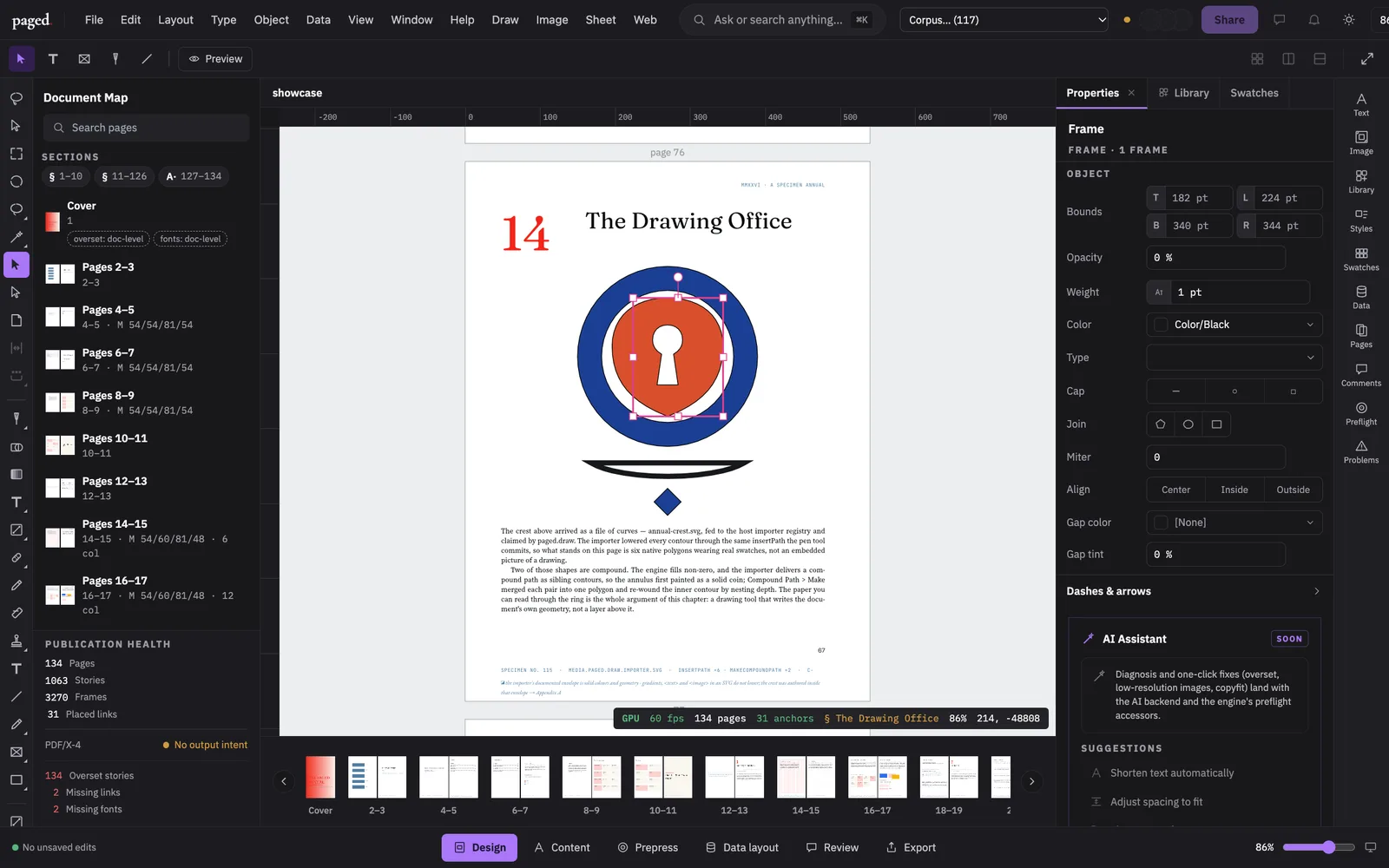
The script creates a document, inserts a frame, fills it and moves it, narrating each step. paged.* edits the document, editor.* drives the interface, demo.* narrates and paces.
Demos — in this tab
Bring your own document
Drop an InDesign IDML below and the open engine lays it out and paints it on WebGPU, here, in your browser. The file is read locally; nothing is uploaded and no server renders anything.
Drop an .idml file hereor click to choose one. Export it from InDesign with File ▸ Save As ▸ IDML.Your file never leaves your browser.
Live demo · script draw-fill
A script draws, fills and moves a frame
Live demo · script tour
A script steers the cockpit
No document edits, only the interface: opening panels by id, spotlighting a tool, switching the whole cockpit between workflow modes.
Live editor
No script — your turn
The same application with nothing driving it. Start a document, draw, type, place, and press undo as often as you like, with the plugins loaded.
How these work
Not a recording
Each demo is the shipping editor from the playground at play.paged.media, embedded and driven by a plain script over its own automation surface. Because the demo is the product running its own API, it cannot drift from the app. Each one loads only when you click it.
- idml.paged.media
- The IDML reference: the format, documented element by element.
- docs.paged.media
- The platform docs: the engine, the editor, scripting and the plugin SDK.